

The ultimate form app for Simpro users
Powerful forms that get the job done. forms4tradies connects with Simpro to create one seamless interface — so your team stops re-typing the same job information into five different places.
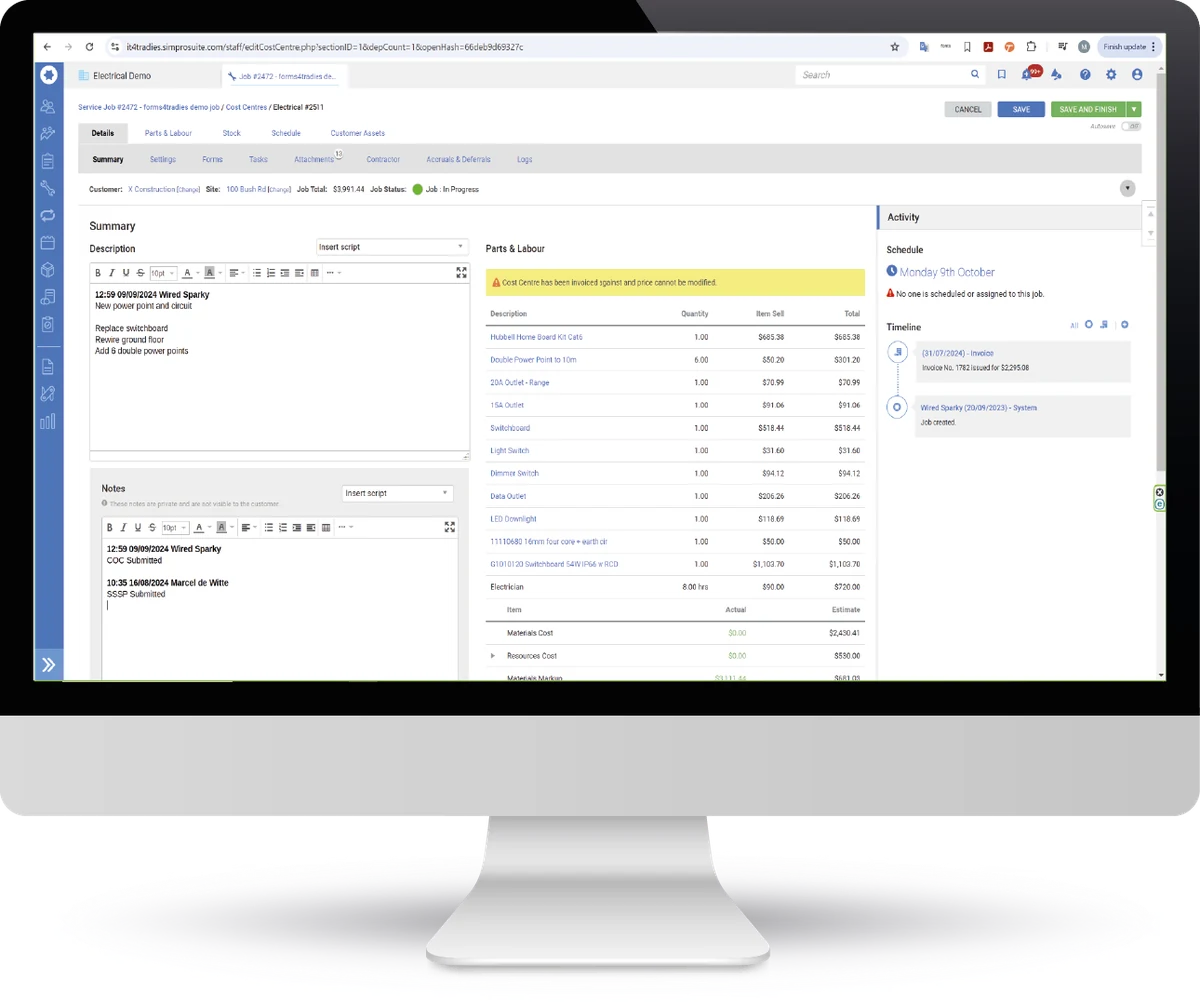
Sound familiar?
Transposing data from one place to another?
Manually filling in paper forms?
Struggling with multiple form solutions?
Dragging attachments across applications?
The ultimate form solution for Simpro users
One app that handles pre-fill, submission, routing and reporting — built specifically for trade businesses running on Simpro.
Pre-populate any form field with data from Simpro
Send form field data straight back to Simpro
Send forms and attachments to any email address
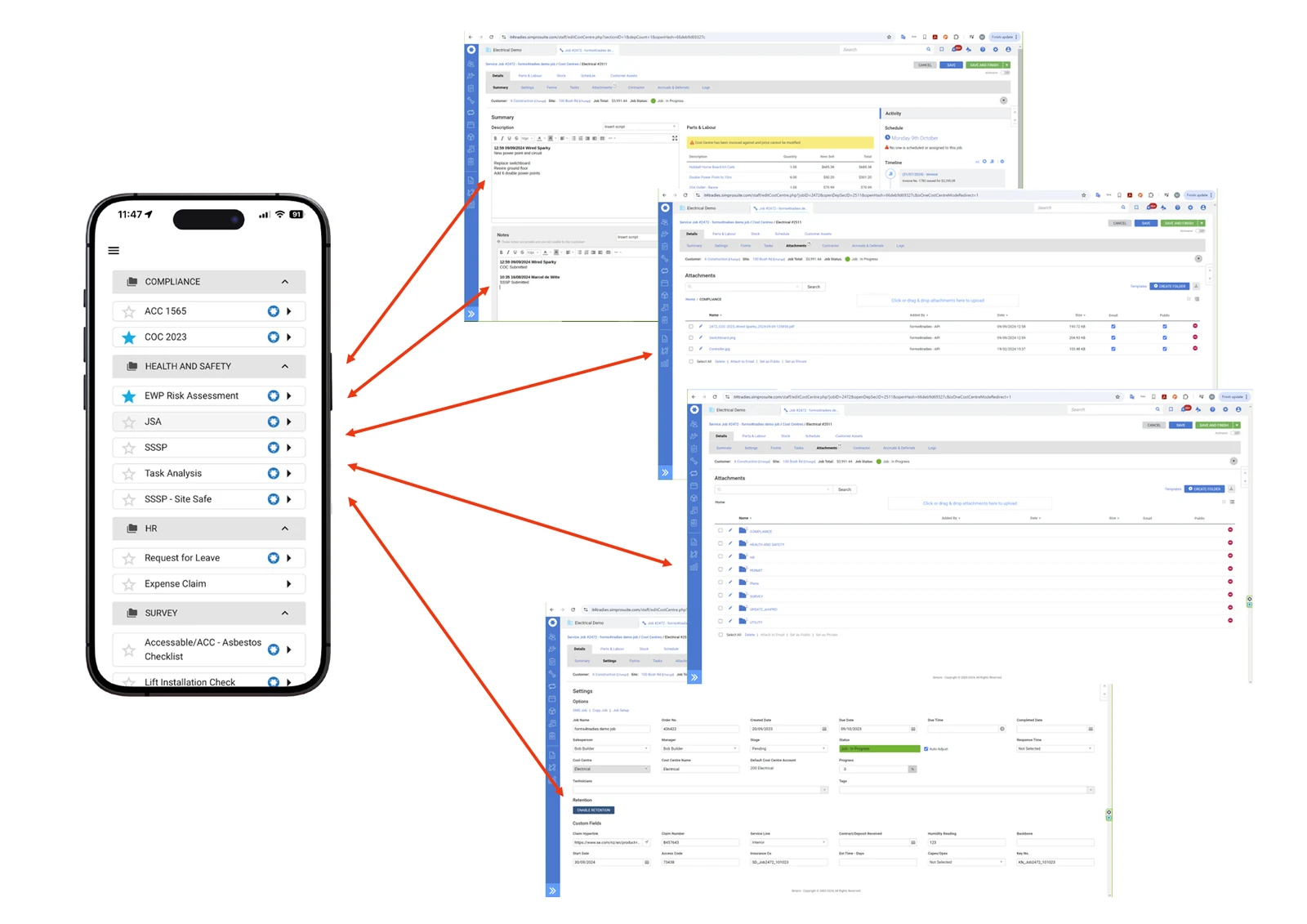
Send form PDFs, attachments and images to a named folder in Simpro
Extensive feature set enables virtually limitless form design
Fully responsive — access forms on any device, including PC
Stop paying for multiple form and inspection apps
Save time and money over paper-based, inefficient systems
Use our in-house design service to build functional forms for you
Built for Android, iOS and any PC browser
What could be simpler?
One solution combines all your forms in one place — organised into groups and folders for easy access.
The ultimate form creator
Flexibility to create almost anything, with the most advanced features and a fully responsive layout that suits any device.
Pre-fill data from Simpro Leads, Quotes and Jobs
Send data back to Simpro — Description, Notes, Tags, Custom Fields
Powerful feature set capable of managing every type of form
Enable contractors to send job detail back to the job in Simpro
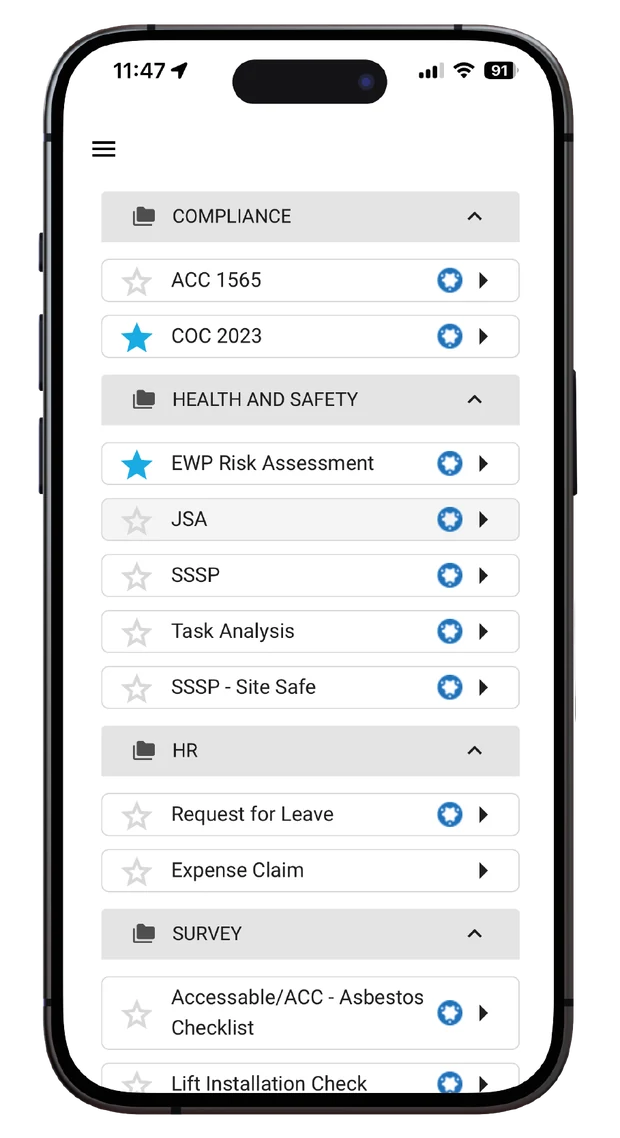 Organised form library
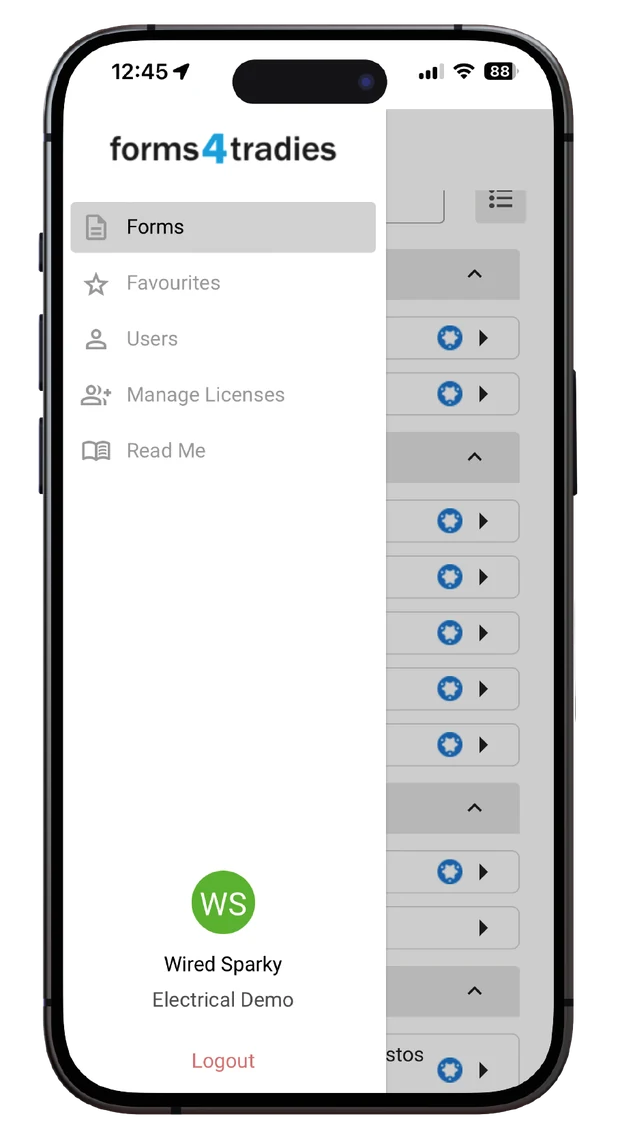 Simple navigation
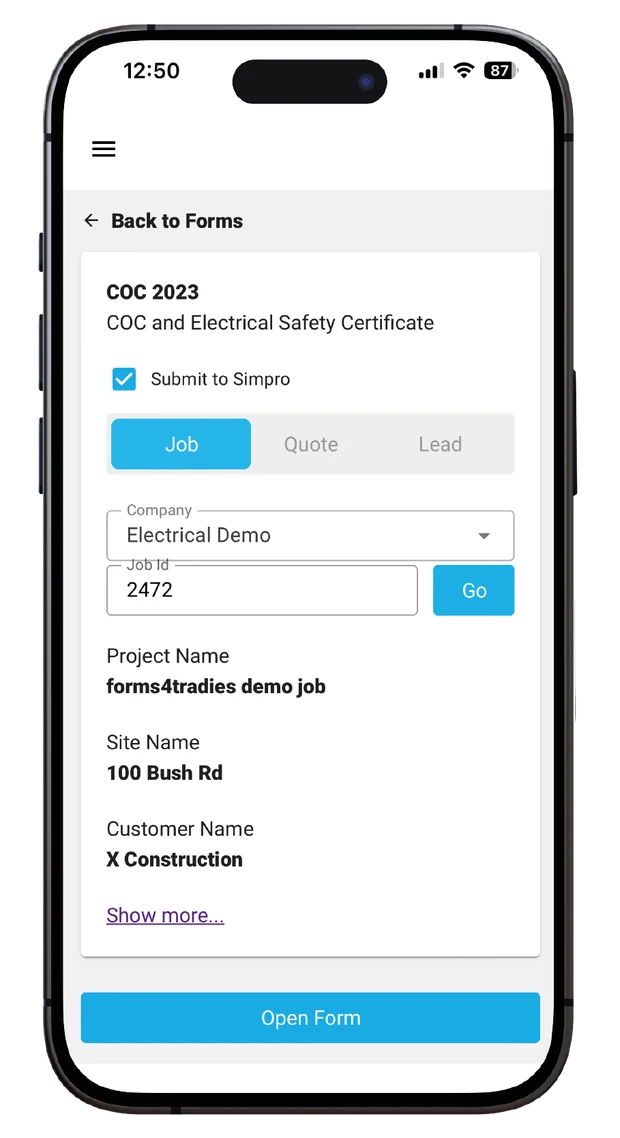 Prefilled from Simpro
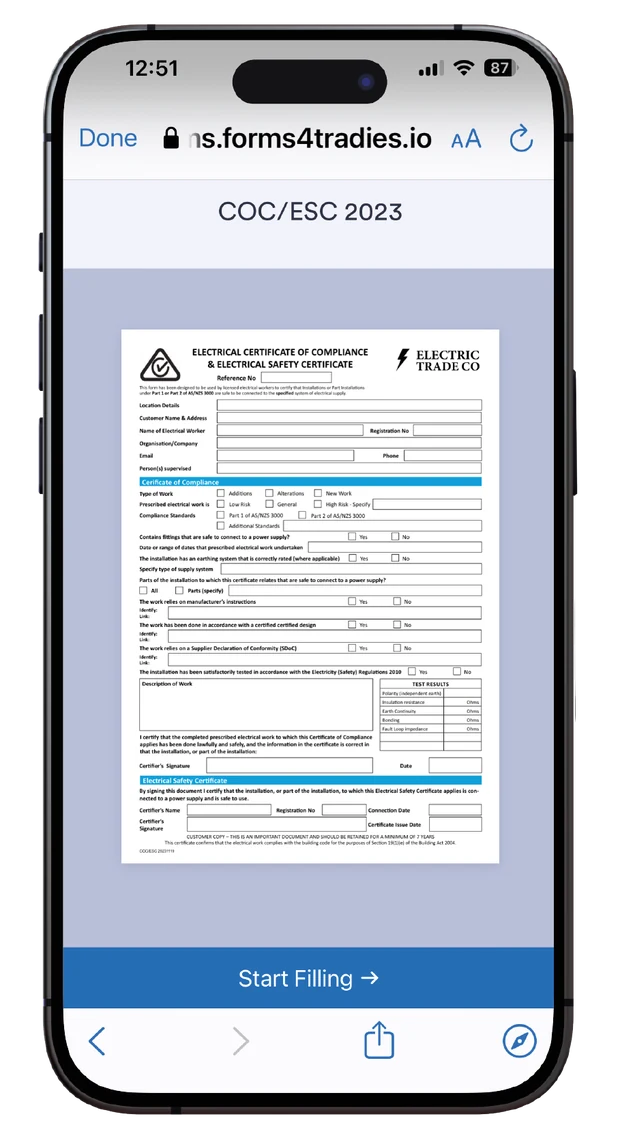 One tap to start
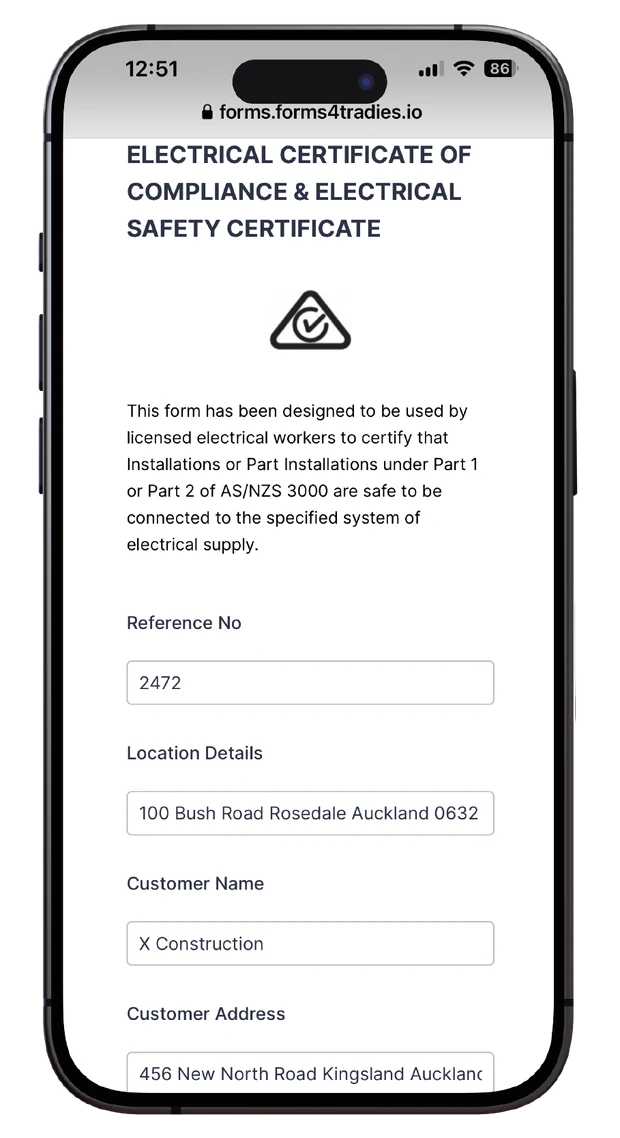 Purpose-built forms
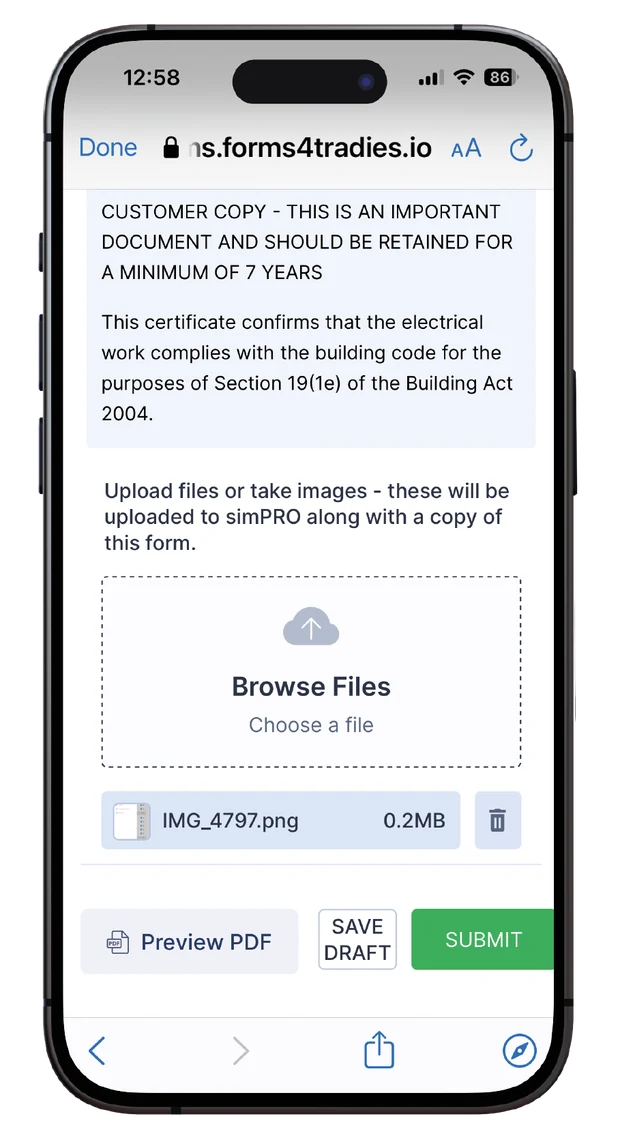 Attach & submit
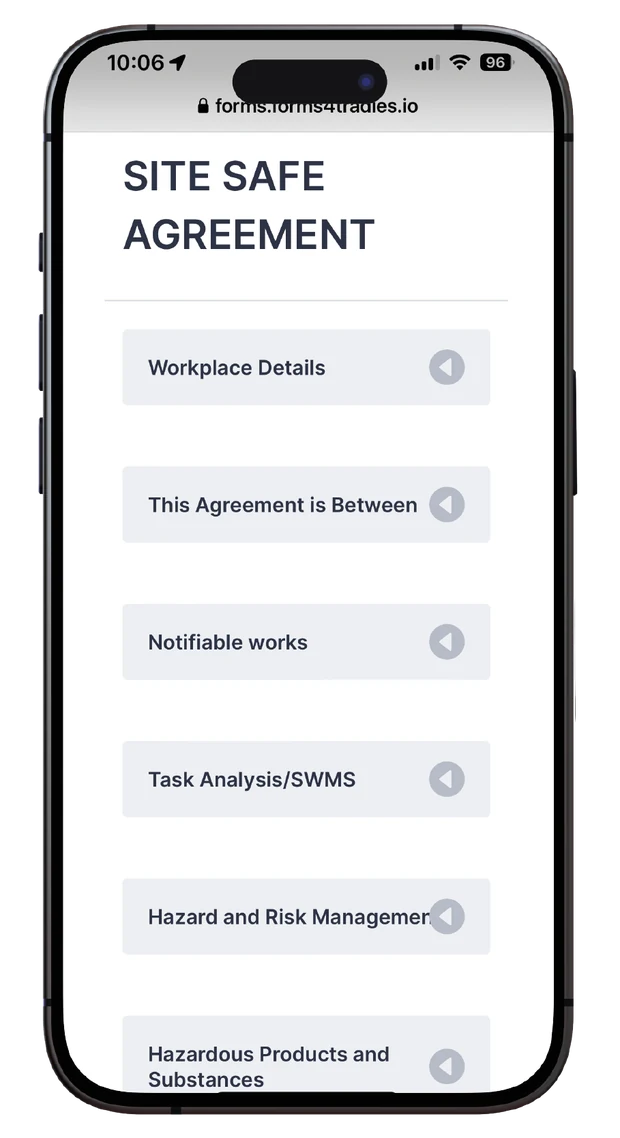 Logical, guided flow
Built for every job on site
Inspections
Standardised checklists for data collection, with photos, videos and audio to document issues.
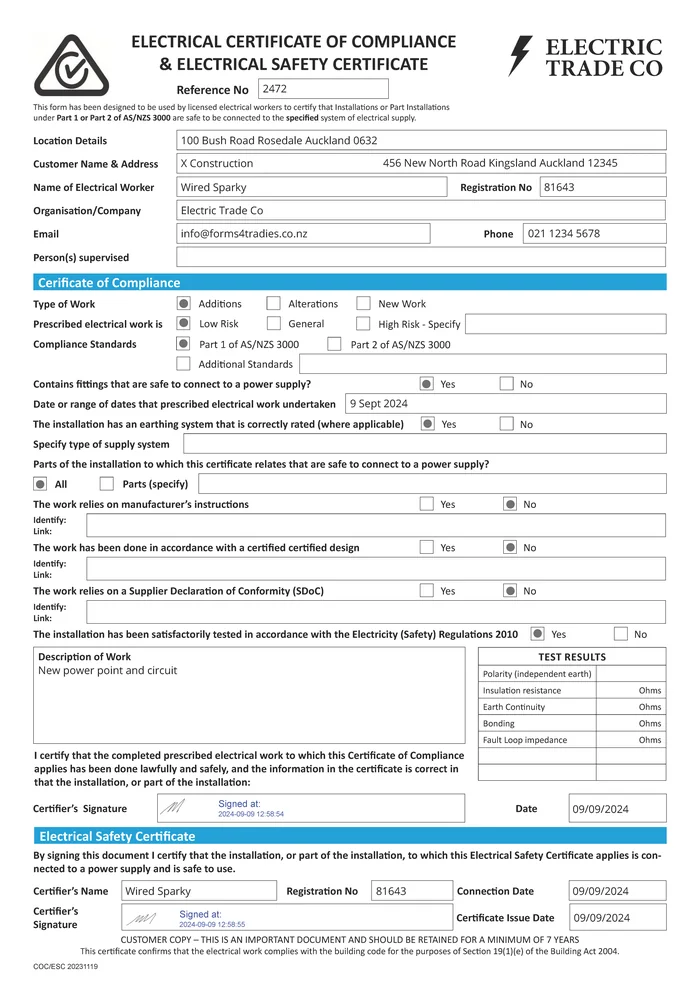
Compliance Certificates
Complete and sign compliance documents using local authority templates, or design your own.
Health & Safety
Complete risk analysis and document safety plans to validate every action taken on site.
Checklists
Standardise processes with custom checklists and verify that work has actually been done.
Administration
Streamline admin with forms for expense claims, leave requests, HR and more.
Nothing is off the table
Extensive conditional logic — if/and/or, skip/hide/show, content mask, require/enable/disable
Embed images in the form, or attach audio, images or files
Create rules and alerts
Map form fields to structured PDFs
Map form fields to structured emails
Approval workflow
Perform calculations
Send return messages
Send forms and attachments to any recipient
Kiosk mode
Secure signature capture
Capture raw form data for use elsewhere, with extensive integrations
Integrations
forms4tradies natively integrates with Simpro and many other third-party systems.
From job number to submitted form in four steps
forms4tradies is a web app exclusively designed to connect to Simpro via the Simpro API. We link specified form fields to Simpro, so the app can pre-populate them with real job data.
Open the app
Open the bookmarked forms4tradies app on your phone, tablet or desktop.
Select & prefill
Pick a form, enter the job, quote or lead number, and the app prefills it for you.
Fill & submit
Complete the form, take photos, attach files, and hit submit.
Data flows back
Submitting sends data and a PDF back to a folder in Simpro, to email addresses, or to a database for dashboards.
Workflow, integrations & smart forms
Automated dispatch
Automate form dispatch and delivery of reports and data based on your specific business rules and workflow.
Calculations
Embedded formulas for scoring and advanced calculations, built right into the form.
Your own PDF & Word reports
Map forms directly to your custom PDF and Word report templates.
Built for mobile
A fully responsive, logical flow makes data entry on site a breeze.
Prefill & send
Names, emails, phone numbers, locations, addresses, company details, notes and custom fields.
Image capture
Capture photos from the camera or photo library, and attach or embed them in the form.
Dynamic, rules-driven
Hide and skip logic presets only the relevant questions, to simplify data entry.
Geotags & timestamps
Tag data with latitude/longitude and timestamps to record exactly where and when it was collected.
Fully customisable
Build inspections, audits, checklists, timesheets or any other custom form you need.
Common questions
Can I set up my own forms?
No — forms and API links are set up by forms4tradies, so everything is configured correctly against your Simpro build.
Do I need a PDF or Word template?
No — forms can be either a system-generated PDF, or fields can be mapped to a pre-formatted PDF template you already use.
Do you build form templates?
Yes — we use Adobe Creative Suite to design templates that match your needs.
What if my customers have specific forms that need to be filled in?
No problem — any field can be mapped to a specific form while maintaining a responsive layout on mobile devices.
Is there a fee for building form templates?
Yes — we quote depending on complexity.
How does forms4tradies connect to my Simpro build?
Via a Simpro API key.
Is there any limit on the number of forms or submissions?
No — there are no limits.
Where can you send forms?
Forms can be sent to Simpro, multiple email addresses, and integrated apps such as Google Drive and Google Sheets.
Can I suggest a new feature?
Definitely — get in touch and let us know what you need.
One solution. One simple price.
Per user, per month. Form master creation and setup is priced on request.
Plus local taxes if applicable. Get in touch for a form-master creation quote.
One solution that combines all your forms in one place.
What could be simpler? Send us a message and we'll get back to you as soon as we can.